
Guide
What is an AI teammate? How it works and what it can do
9 min read
An AI teammate understands a goal, uses the tools your team already relies on, completes multi-step work, and asks for approval when the stakes are high.
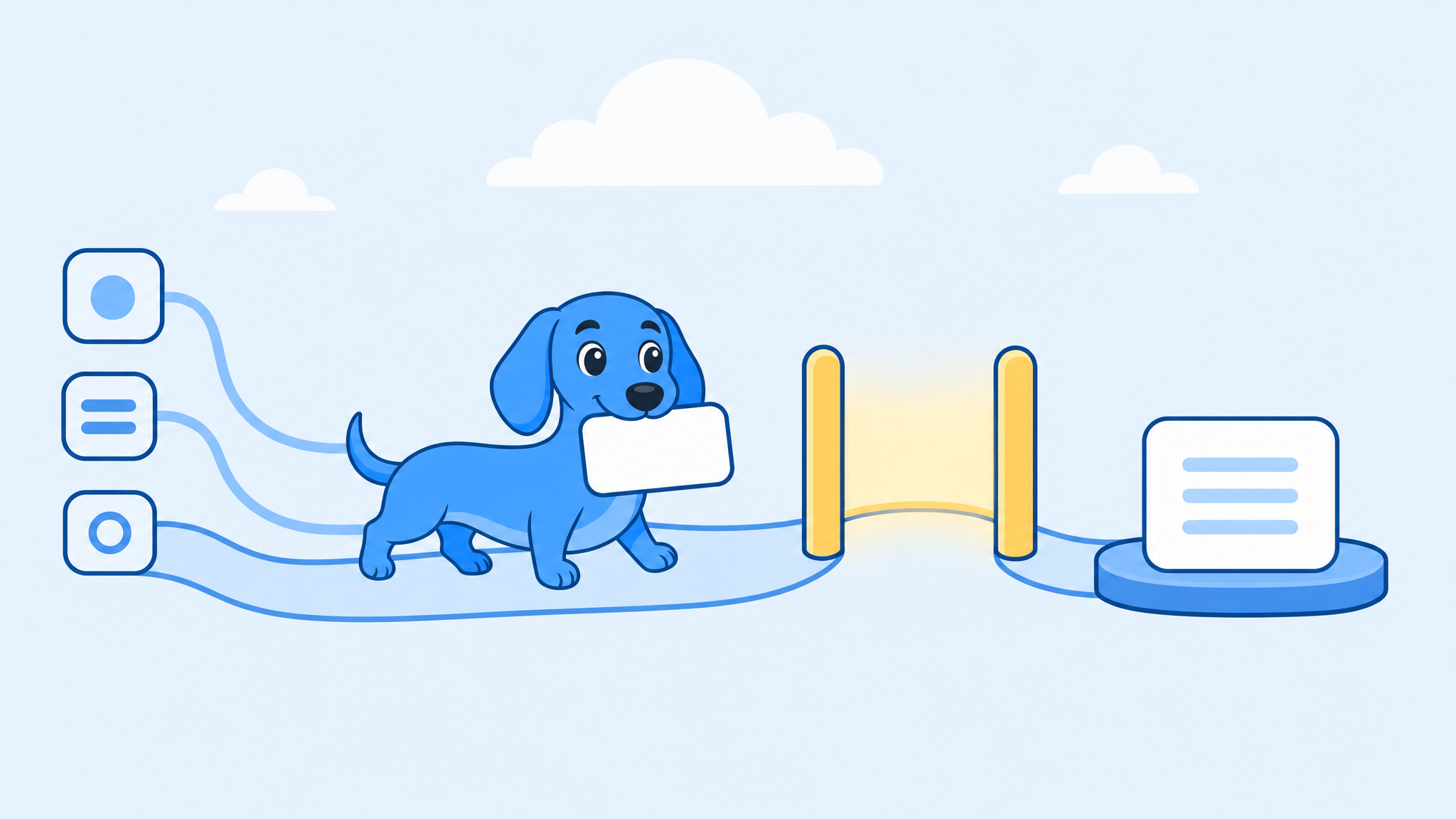
You give an AI teammate the outcome you need. It works through the steps, pauses when a decision needs your authority, and reports back where your team already communicates.
That is different from opening a chatbot, writing a careful prompt, copying the response, and finishing the job yourself.
A chatbot gives you an answer. An AI teammate does the work.
What makes an AI teammate a teammate?
Most software waits for you to operate it. An AI teammate can take responsibility for a defined outcome.
Ask for a weekly pipeline report, and it can gather the numbers, check for gaps, write the summary, and post it to the right channel. Ask for competitor research, and it can find relevant sources, organize the findings, and draft the brief.
It works toward an outcome
You describe what finished looks like, not every click required to get there. The teammate plans the intermediate steps, selects the appropriate tools, and adjusts when the first approach does not work.
It works across tools
Real work rarely happens in one application. A customer update might require information from a CRM, a meeting transcript, an analytics tool, and an email thread. An AI teammate becomes useful when it can work across that stack without making you carry information between tabs.
It uses team context
A generic answer can be technically correct and still be useless to your business. The teammate needs the context that shapes a good result: how your company describes its product, which metrics matter, where files live, who approves external communication, and what happened last time.
It knows when to ask
Autonomy should not mean unlimited authority. Researching a company and drafting an email are different from sending that email. Preparing a refund recommendation is different from issuing the refund. The approval boundary should be visible, predictable, and under your control.
How a whole team shares one AI teammate
An AI teammate works where your team already talks, such as a Slack or Microsoft Teams channel, and it belongs to the team rather than to one person. Anyone in the channel can hand it a job, follow the work in the thread, and pick up the result. Nobody has to paste a private chat into a message for a colleague.
Sharing changes three things:
- Context builds up for everyone. When one person explains what "pipeline" means at your company, the next person's request uses the same definition.
- The work stays visible. Sources, drafts, and open questions sit in the thread where the team can check them.
- The right person can approve. A pending action can wait for whoever has the authority, not only the person who asked.
Dash works this way in Slack and Microsoft Teams, and you can also reach it by text message or in web chat. Its memory is shared across the workspace, so a definition taught in a public channel helps everyone on the team. Dash doesn't save memories from DMs or private channels. By default, anyone with access to a connected tool can approve or deny Dash's pending actions on it.
AI teammate vs chatbot, copilot, and automation
The categories overlap, but they put different amounts of work back on the user.
| Type | What it returns | Your role |
|---|---|---|
| Chatbot | An answer or draft | Direct every interaction and finish the task |
| Copilot | Suggestions while you work | Stay involved throughout |
| Automation | The same predefined action each time | Build and maintain the workflow |
| AI teammate | A completed result or approval request | Set direction and review important actions |
A chatbot is often the fastest way to answer a one-off question. A fixed automation is usually best for a stable process with predictable inputs. An AI teammate fits work with a repeatable goal that still requires judgment, context, or movement across several tools.
To see why fixed automations break and which jobs to automate first, read our guide to AI automation for small business.
AI teammate vs AI employee
"AI employee" is the name many vendors give an agent set up for one defined set of tasks, such as answering calls, booking appointments, or qualifying leads. Nextiva, for example, describes an AI employee as an agent that performs specific business tasks "without continuous human oversight."
An AI teammate overlaps with that idea but starts from the people you already have. It takes many kinds of work from anyone on the team, does it in the channels you share, and brings consequential actions back to a person before it acts. Whichever you're looking at, the tests are the same: can it finish a real job, can you inspect its work, and does it ask before it acts?
How an AI teammate works
- You assign a goal. Describe the result, time period, destination, and important boundaries in plain language.
- The teammate gathers context. It checks the connected CRM, calendar, notes, documents, analytics, or messages needed for the job.
- It completes the steps. It may pull records, compare dates, inspect communication, calculate changes, and assemble the output.
- It pauses at approval boundaries. External messages, irreversible changes, payments, deletions, and other sensitive actions should require explicit authority.
- It returns the result. The finished report, document, analysis, or draft appears in the team's normal workspace with important sources and uncertainty visible.
What can an AI teammate do today?
The best starting jobs are valuable, frequent, and easy for a human to verify.
- Prepare recurring reports. Gather data, compare it with the previous period, explain meaningful changes, and deliver the update on schedule.
- Research and summarize. Investigate a company, market, customer, or technical question and turn scattered sources into a structured brief.
- Draft routine communication. Prepare meeting follow-ups, internal updates, customer responses, and status reports using company context.
- Keep systems up to date. Extract action items, prepare CRM updates, organize notes, and flag missing owners or dates.
- Watch for changes. Surface a deal with no next step, a customer issue without an owner, or a metric outside its expected range.
What should remain human?
Humans should retain control over decisions with material financial, legal, security, employment, or relationship consequences. The teammate can collect evidence, prepare options, and recommend a next step. The accountable person makes the decision.
Keep a human approval step for external communication, payments, billing changes, deletions, access changes, public publishing, contracts, policies, employment records, and commitments to customers or partners.
Five practical examples
- Founder: Prepare the weekly operating update from the latest numbers, open decisions, and project changes.
- Operations: Review recurring processes for overdue work, missing approvals, and unclear ownership.
- Growth: Collect campaign performance, explain what changed, and draft the next experiments.
- Sales: Flag stalled opportunities, pull recent communication, and prepare the questions each owner needs to answer.
- Customer team: Summarize account history, capture commitments, draft the follow-up, and prepare CRM updates.
How to evaluate an AI teammate
Ignore the most impressive demo. Test the work your team repeats every week.
- Can it complete a real job? Measure whether the teammate finishes the job, not whether it produces an interesting response.
- Can you inspect its work? You should be able to identify sources, missing access, failed steps, assumptions, and uncertainty.
- Does it respect authority? Check what it can read, what it can change, and which actions require approval.
- Does it fit your workspace? Work should begin and end where your team already communicates.
- What happens when it fails? The correct behavior is often to stop, explain the problem, and ask for direction.
To see where today's tools work and whether they ask before acting, read our comparison of the best AI agents for small business.
Frequently asked questions
Which AI teammate is best for a small team?
The one that finishes a job your team repeats every week, in the chat your team already uses, and asks before it sends, changes, or spends anything. If your team runs on Slack or Microsoft Teams without an IT department, that's the team Dash is built for.
Do AI teammates work in Microsoft Teams?
Some do. Dash installs in Microsoft Teams as well as Slack, so a team on either one can mention it in a channel and hand it work.
How much does an AI teammate cost?
Pricing differs by product, so check how each one charges as your team grows. Dash uses one shared credit plan per workspace with no per-seat fees, and you can start free without a credit card.
Meet Dash, an AI teammate in Slack and Teams
Dash by Process Street is an AI teammate designed to do real work alongside small teams.
Dash lives in Slack and Microsoft Teams, connects to 3,000+ tools, learns the way your team works, and arrives with skills for research, reporting, drafting, follow-ups, dashboards, and administrative work. You assign the outcome in plain English. Dash completes the work and asks for approval when the action needs a human decision.
An AI teammate earns the name by taking responsibility for useful work while leaving consequential decisions with the people accountable for them.